LET’S BE KIDS
Choose a resource, access your digital files, and bring a little colour to learning. Some resources also include a Canva template link for easy editing.
1
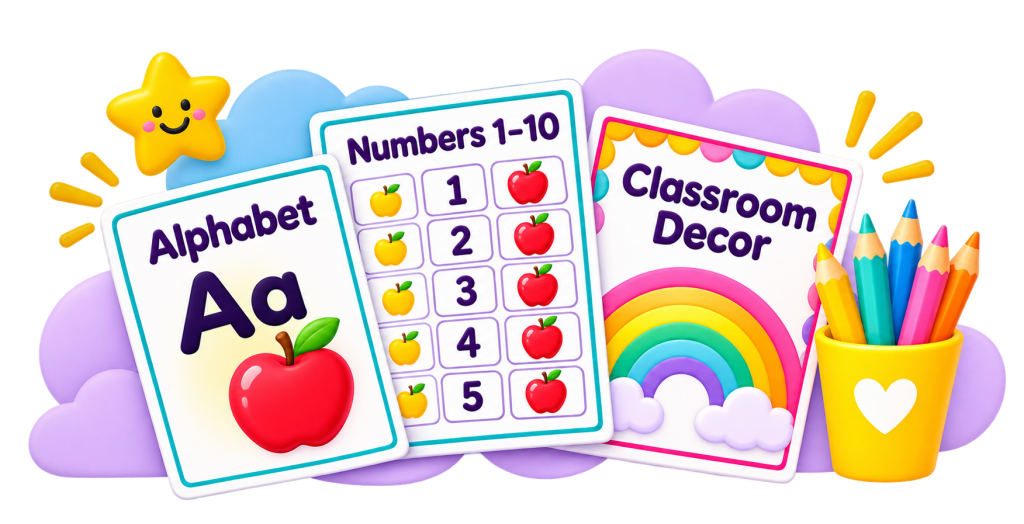
Browse by grade or subject and review the product details, file formats and what’s included.
2
Add your chosen resource to cart and complete checkout. These are digital products only.
3
Use the access supplied with your completed order, or available files in My Account → Downloads.
4
Print the files at home, or edit the Canva template when one is included.
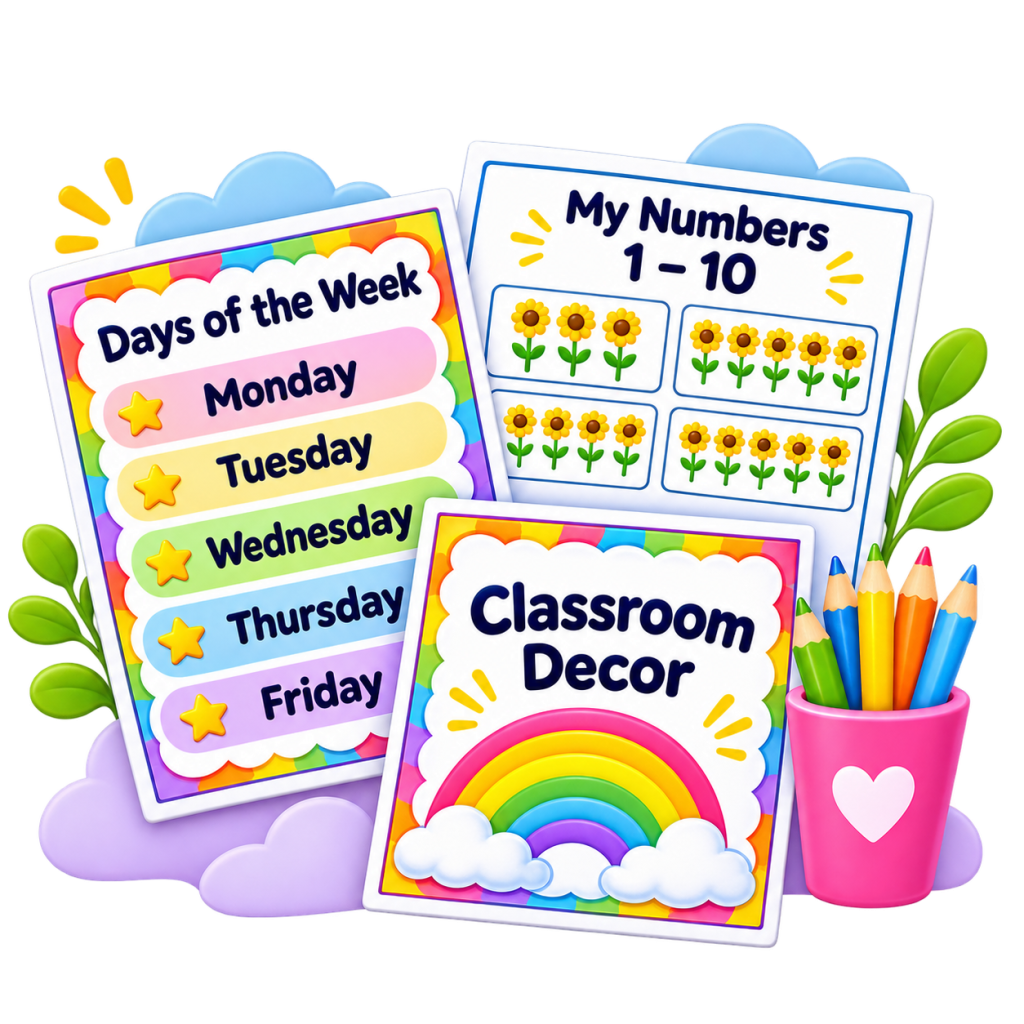
Check the product listing for its exact file formats. Print-ready PDFs can be printed at home or at a print shop.
Print in colour or black and white to suit the resource. Laminate suitable pages if you would like to reuse them.
If you have an account, check My Account → Downloads for available files. Keep your own saved copy for licensed use.
No physical items are shipped. Products are supplied as digital files or included template links.
Some resources include an editable Canva template, so you can personalise the available text, colours or names to suit your needs.
1
Read the listing to see whether an editable Canva template is included.
2
Open the supplied files or instructions and follow the included Canva template link.
3
Sign in to your own Canva account and follow the template prompts to create a copy.
4
Personalise the available elements, then download a version in a suitable format.
5
Use it in one household or one classroom. Do not redistribute or resell the original files or template links.
Editing is available only when the product listing includes an editable Canva template.
A Canva account may be needed. Check the listing for any account requirements.
One household or one classroom per licence. Original templates cannot be resold.

Are resources physical or digital?
They are digital products. No physical parcel is shipped. Check the listing for the files and any template links included.
Can I edit every resource?
No. Editing is available only for resources whose listings include an editable Canva template. Standard PDFs and other print-ready files are not automatically editable, and some template elements may be fixed.
Where do I find my downloads?
Use the access provided with your completed order. If you have a customer account, check My Account → Downloads for available files. Keep a saved copy for your licensed use.
What if a file does not open?
Email [email protected] with your order reference, the resource name and a description of the problem. Please do not send payment-card details.
LET'S FIND SOMETHING LOVELY
Try a subject, grade or resource name.